Professional Email Signature Template
Imagine sending an email that doesn't just deliver a message, but also delivers a powerful first impression. That's the subtle magic a well-crafted Professional Email Signature Template brings to your digital correspondence. It's more than just contact information; it's a compact portfolio piece, a brand statement, and a final, polished touch that speaks volumes about your attention to detail.
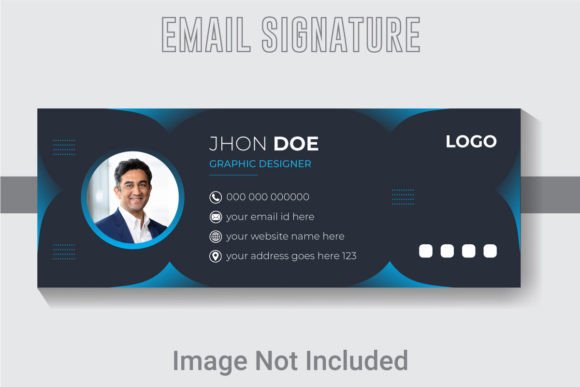
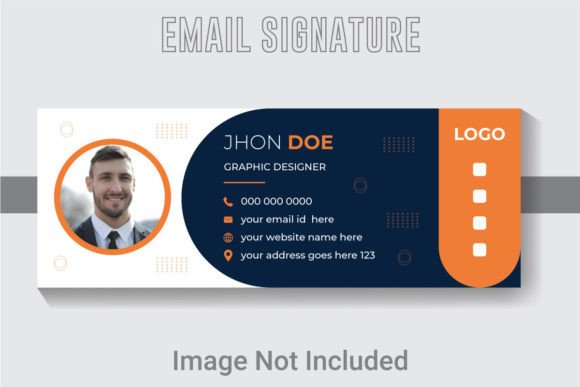
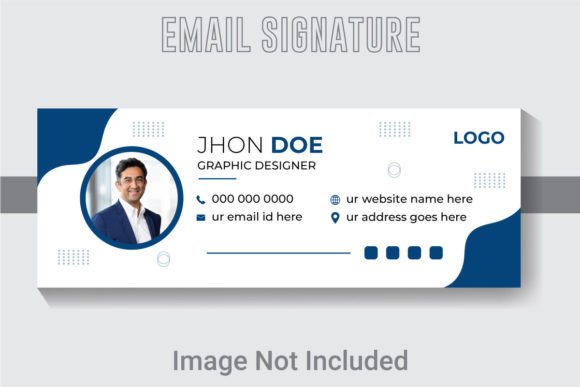
This particular template is designed as a comprehensive design asset, providing a ready-made foundation for creating signatures that are both visually striking and functionally clear. Crafted with a modern aesthetic, it balances clean typography with thoughtful layout, ensuring your name, title, and contact details are presented with the clarity and professionalism they deserve. The design uses a harmonious RGB color palette, perfect for digital screens, and is built at 851x315 pixels—a versatile size for email clients and even social media banners.
Beyond the Inbox: Creative Applications
While its primary purpose is evident, the value of a high-quality template like this extends far. Think of it as a springboard for your brand identity. The design principles within—clean lines, balanced spacing, and a professional typeface—are the same ones that make logo design, business cards, and letterheads effective. Using this template ensures visual consistency across all your professional touchpoints.
Designers and creators can leverage its structure for a variety of projects:
- Social Media Graphics: Adapt the layout for a cohesive profile banner on LinkedIn or Twitter.
- Digital Products: Use the clean design style for ebook covers, course materials, or webinar slides.
- Presentation Decks: The organizational clarity is perfect for creating professional title slides or section dividers.
Maximizing Your Design with Key Features
The true power of this asset lies in its flexibility. The files are delivered in Adobe Illustrator (AI) and EPS formats, with all text, fonts, and colors being fully editable. This means you can seamlessly integrate your specific brand colors, swap the premium font for one that matches your existing identity, or adjust the layout to include additional social media icons or a call-to-action.
Working at 300 DPI resolution ensures that if you ever need to use elements from the signature in print—like on a business card or packaging design—the quality will remain crisp and professional. The files are also well layered and organized, which is a critical but often overlooked feature that saves you significant time during the editing process.
Choosing and Customizing Your Template
When selecting any template or font download, consider these practical steps to ensure it fits your needs:
- Check Readability: Ensure the text remains clear at the small size it will appear in an email footer.
- Match the Mood: Does the design style—modern, classic, creative—align with your industry and personal brand?
- Test Font Pairings: While the included free font is chosen for its compatibility, don't hesitate to experiment with your own font pairing ideas within the editable file.
- Review the License: Confirm the usage rights, especially if you plan to use the template for client work or commercial projects.
Ultimately, investing time in a Professional Email Signature Template is an investment in your professional image. It’s a small detail that contributes to a larger narrative of quality, consistency, and credibility. In a world where digital communication is constant, having a signature that is thoughtfully designed can make your messages—and by extension, you—memorable for all the right reasons.